An advanced medical lab report processing platform. Patients and clinicians upload lab PDFs to automatically extract data, mask PHI, normalize canonical biomarkers, score results, and generate intelligent clinical reports. Features include interactive trend analysis, comparison views, and a conversational assistant grounded in RAG.
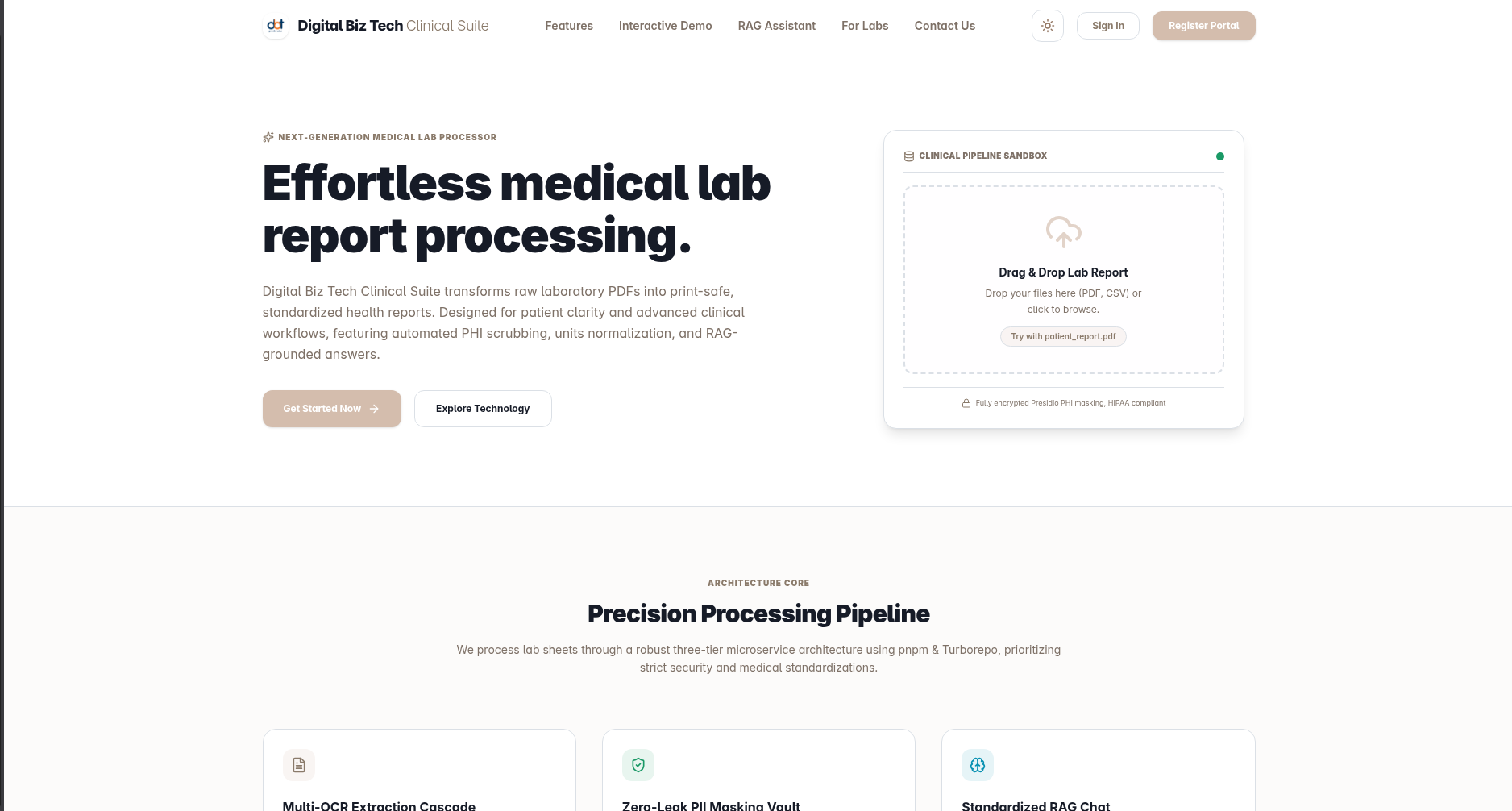
Landing Page
A welcoming and clean landing interface for patients and medical clinics to get started with the lab report processing system.
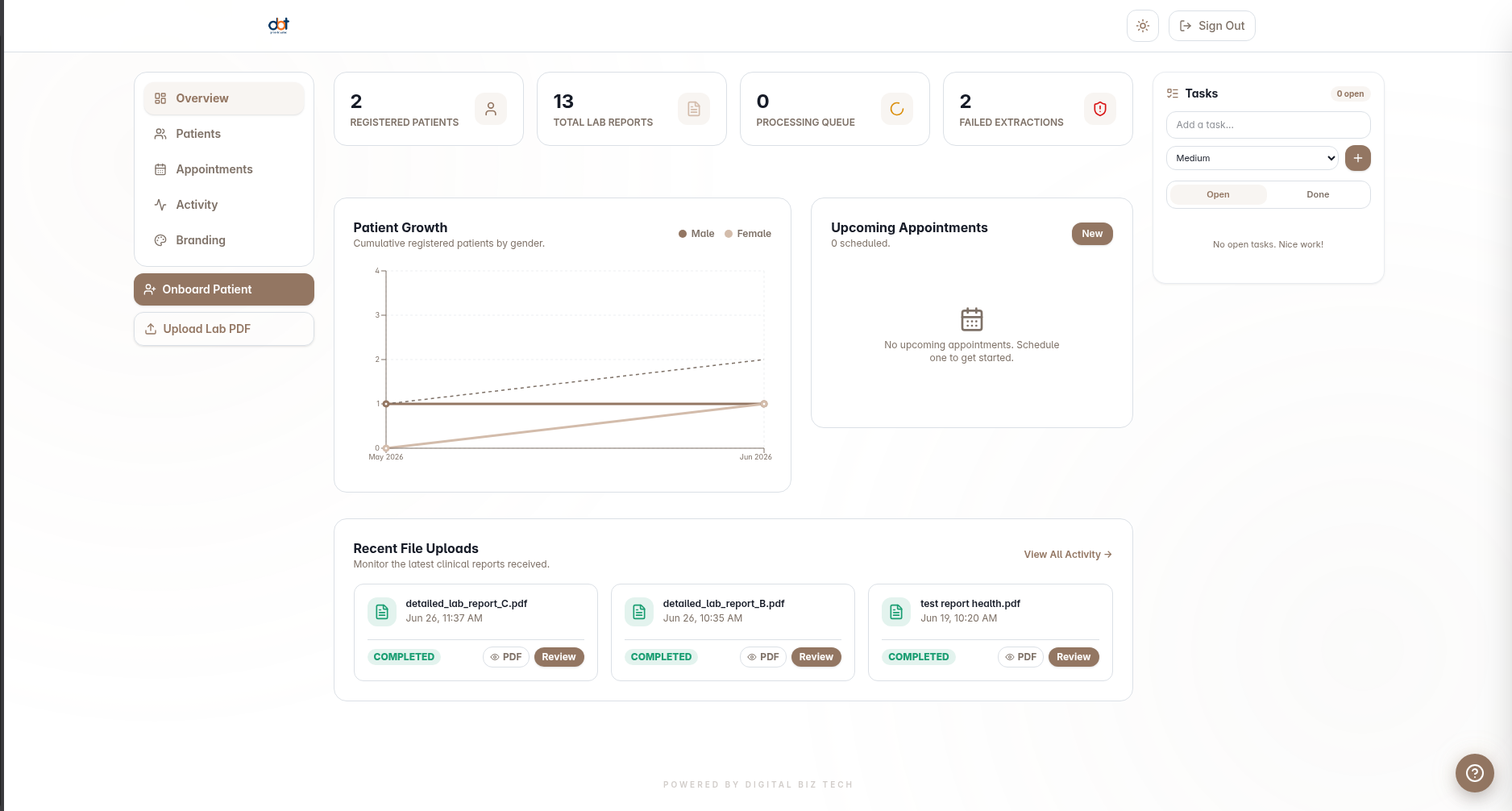
Clinical Dashboard
Comprehensive admin and management workspace designed for healthcare providers and clinicians.
- Directory tab: Searchable patient list with inline View, Onboard, and Edit actions.
- Activity tab: Tracks recent organization uploads, appointments, and clinical tasks.
- Onboard patient modal: Register a new patient (email, name, DOB, gender, note) with instant verification-link generation.
- Patient case file with sub-tabs:
- Reports — Uploaded lab reports with status badges and quick view/delete actions.
- Trends — Visual biomarker trends tracked across the patient's entire history.
- Compare — Side-by-side delta table comparing two selected reports.
- Insights — Automated AI clinical recommendations derived from the latest lab results.
- Upload management: Selected patient uploads with real-time polling (1.5s) until extraction completes.
- Task sidebar: Create, toggle, and delete tasks with priority filters and color-coded tags (High / Medium / Low).
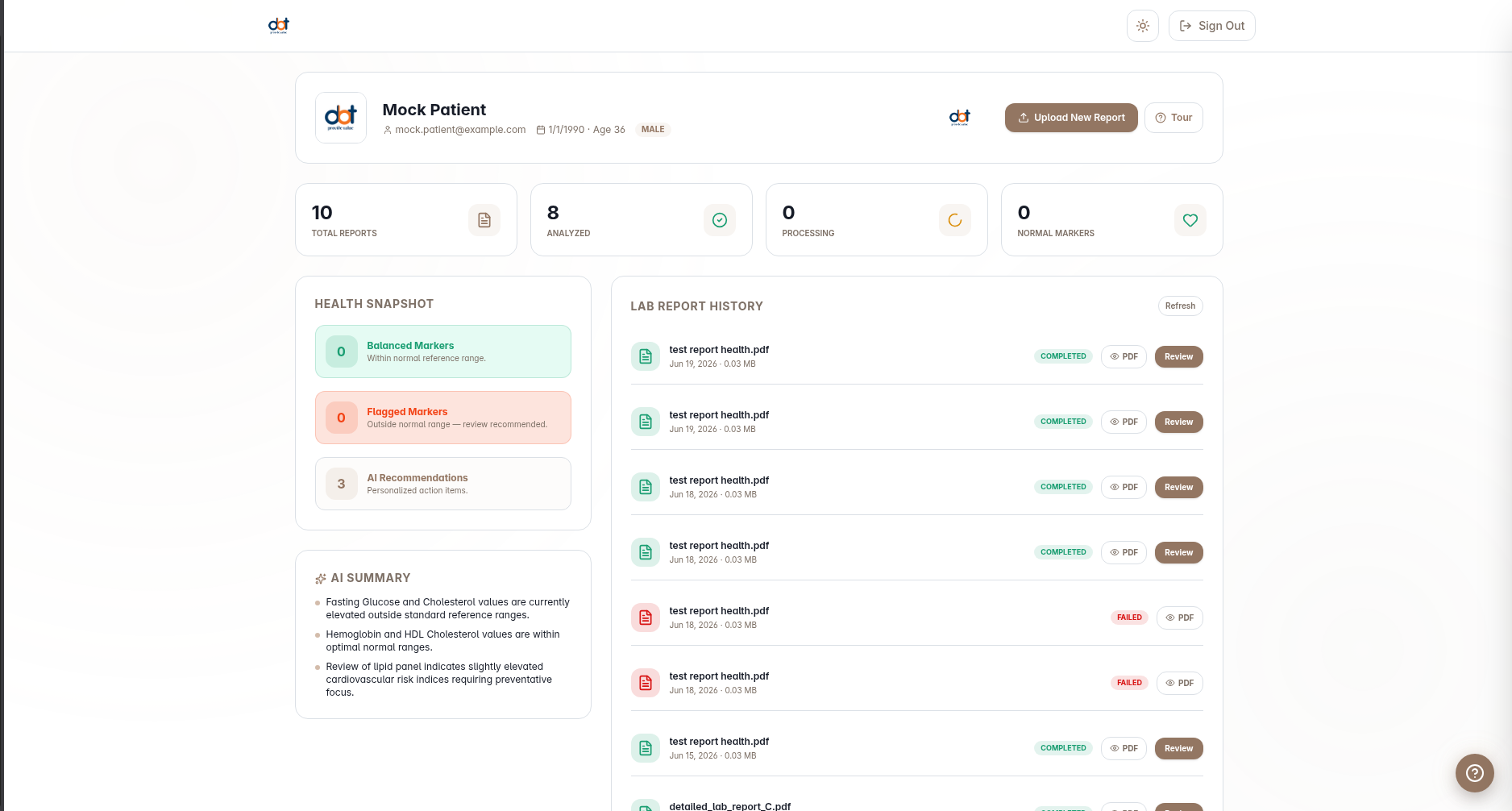
Patient Dashboard
User-friendly client interface giving patients direct access to their health stats and report records.
- Profile Card: Displays basic demographics (name, email, DOB, age, and gender).
- Health Stats: Displays total, completed, and pending uploads along with normal vs flagged biomarkers.
- Health Snapshot: Features a 0–100 overall health score and automated AI summary points.
- AI Insights: Highlights key clinical recommendations.
- Lab Report History: Timeline of reports with status badges and quick actions (View PDF, Review Analysis).
- Guided Tour: Driver.js-powered 7-step guided onboarding walkthrough highlighting key sections, tracked in localStorage and resettable.
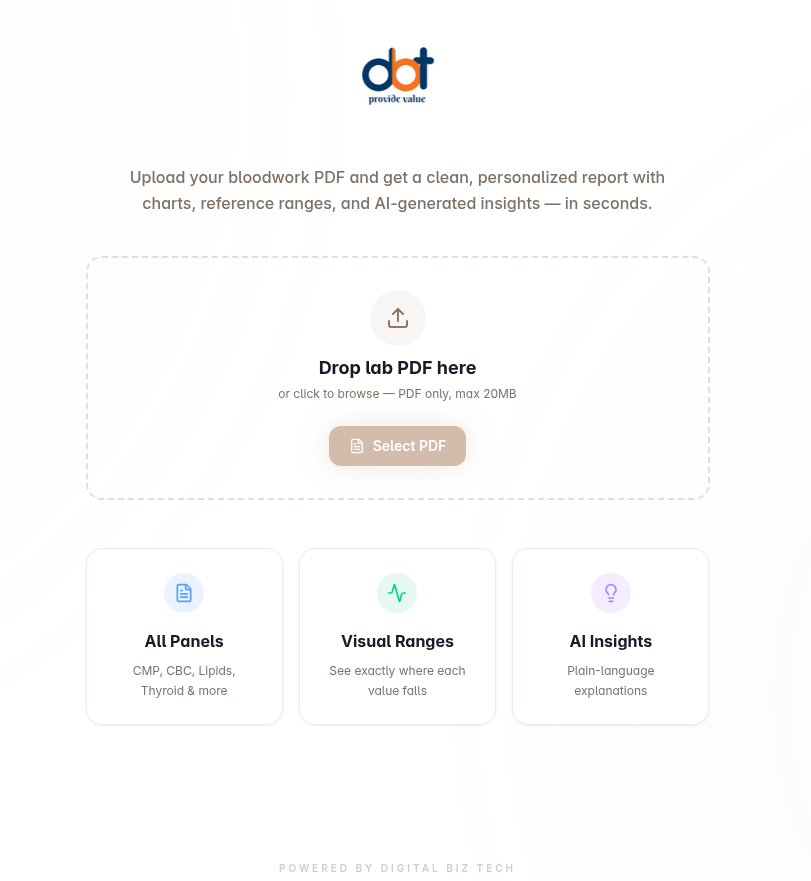
Upload Report Page
Secure file dropzone for uploading lab PDF results. Supported files undergo automatic parsing, text extraction, PHI-masking, and normalization.
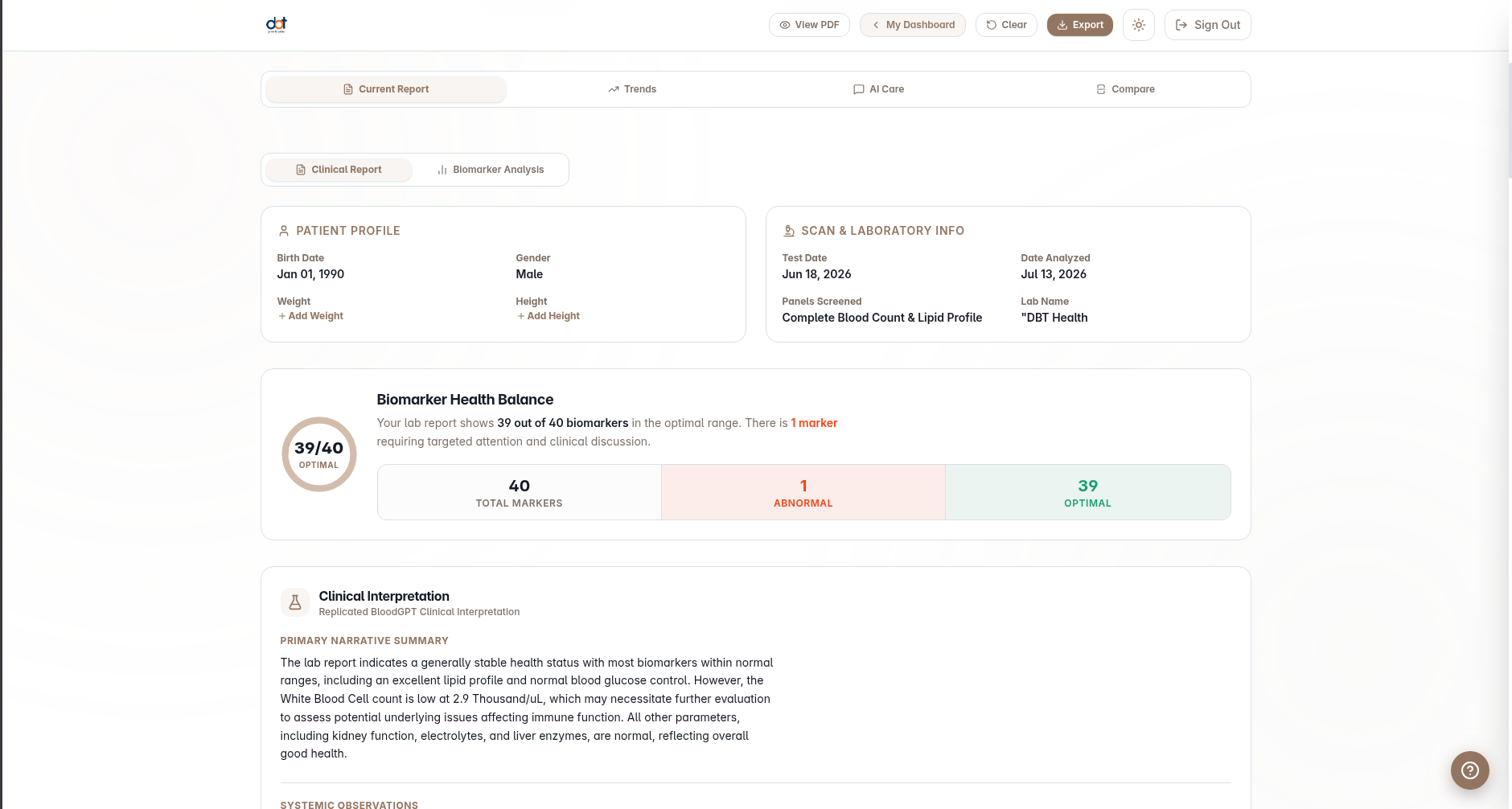
Report Dashboard
Interactive overview and details of a single medical lab report.
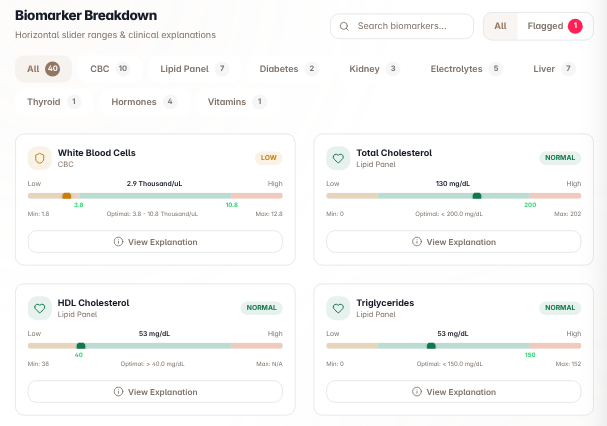
- Current Report: Displays clinical overview metadata (test date, health score, flagged summary) plus an interactive biomarker grid with panel search/filters and flagged-only toggle.
- Biomarker Detail Dialog: Detailed descriptions showing what the biomarker is, why it matters, and actionable health tips.
- Trends Tab: Recharts line chart across historical reports with reference-range shading to help map patient progression.
AI Chat
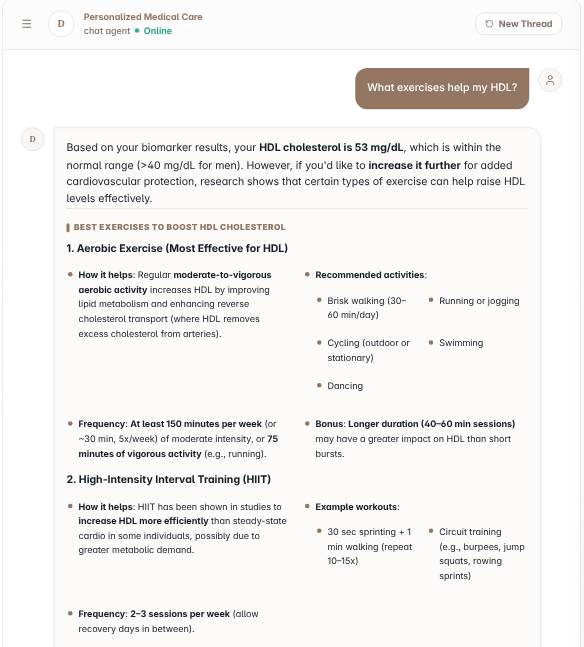
Multi-turn clinical chatbot leveraging biomarker and patient context, session management, markdown rendering, and collapsible scientific references for RAG grounding.
Compare Reports
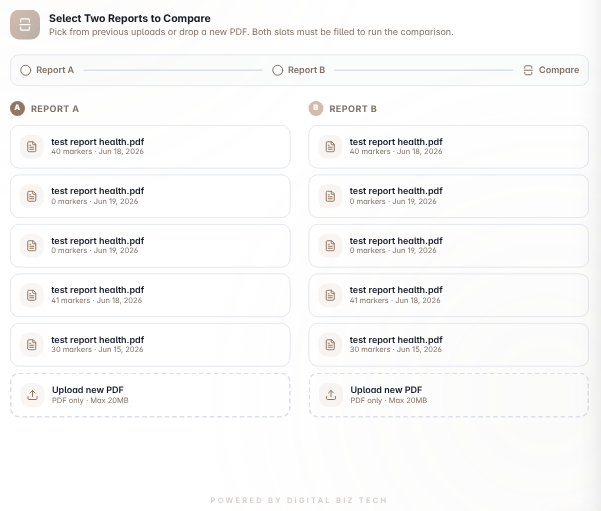
Interactive delta table classifying changes as improved, worsened, stable, new, or resolved, with drag-and-drop slots for comparing different reports.
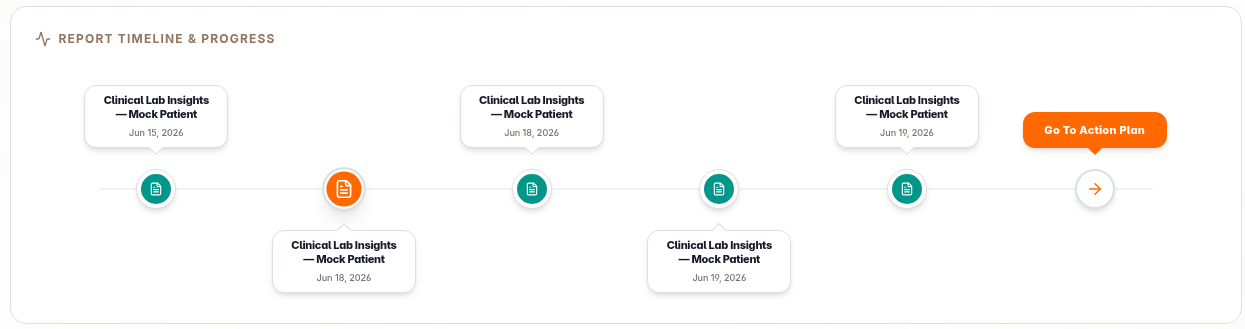
Report Timeline & Progress
Real-time visual progress tracker showing report processing, parsing status, extraction, validation, and dashboard generation phases.