A powerful native Salesforce solution for Time Tracking, Approvals, PTO Accrual, Absence Tracking, Client Billing, and on-the-go capture via Mobile.
Timesheet Management
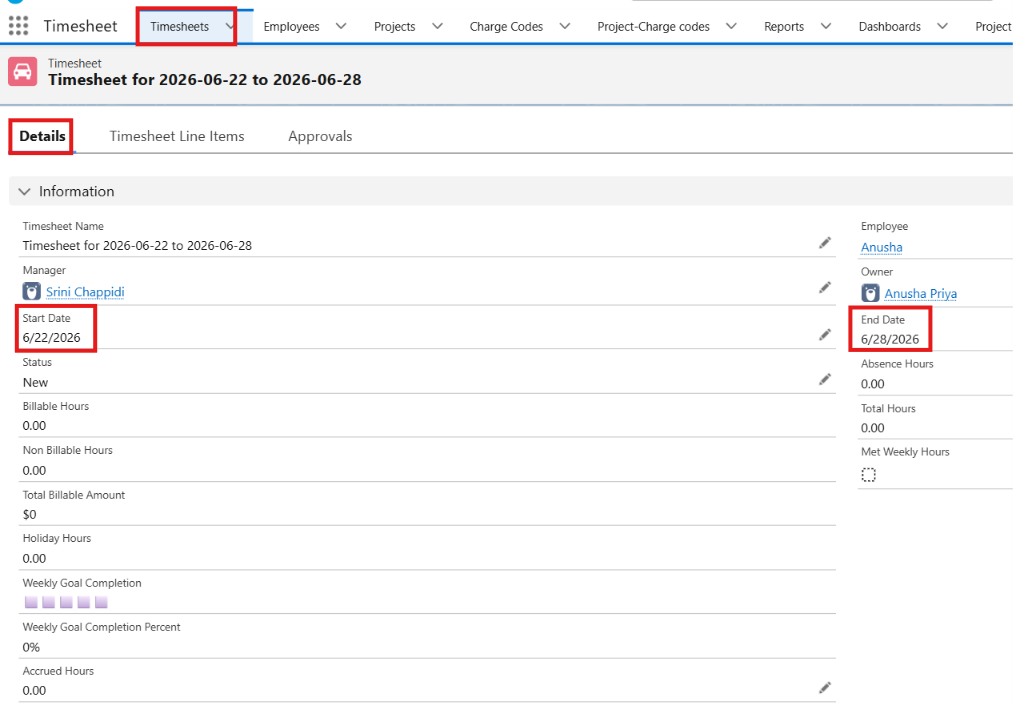
- Weekly Timesheets auto-created every Monday for all active employees
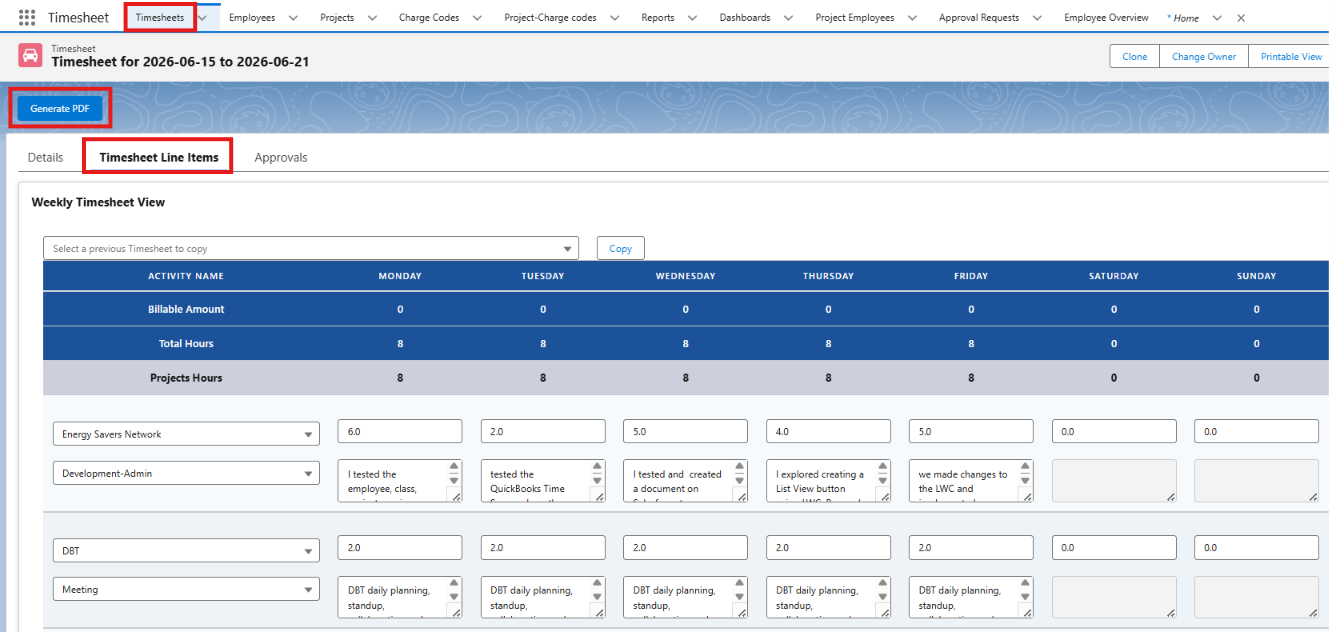
- Timesheet entry via Salesforce Lightning app on Desktop and Mobile
- Copy previous week's timesheet data to save time
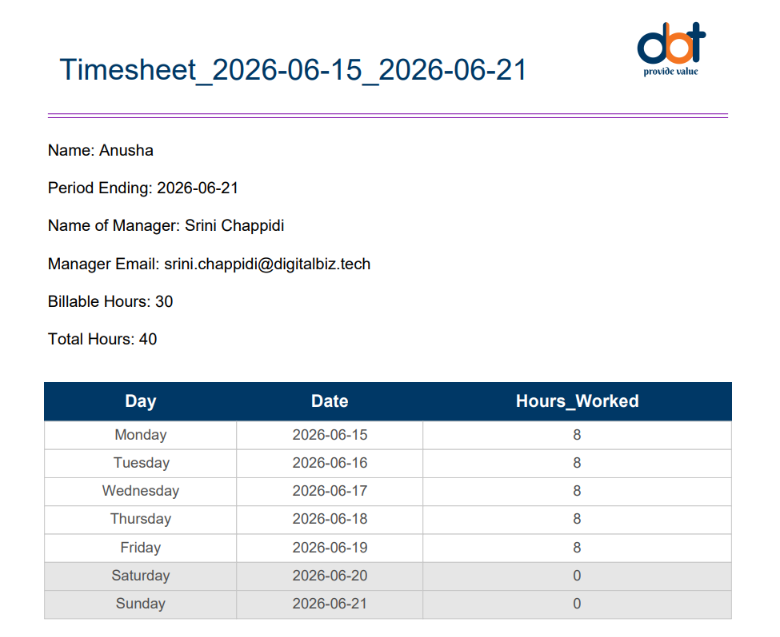
- Generate PDF timesheets for approval and record-keeping
- Employee timesheet PDF for any custom date range
Approval Process
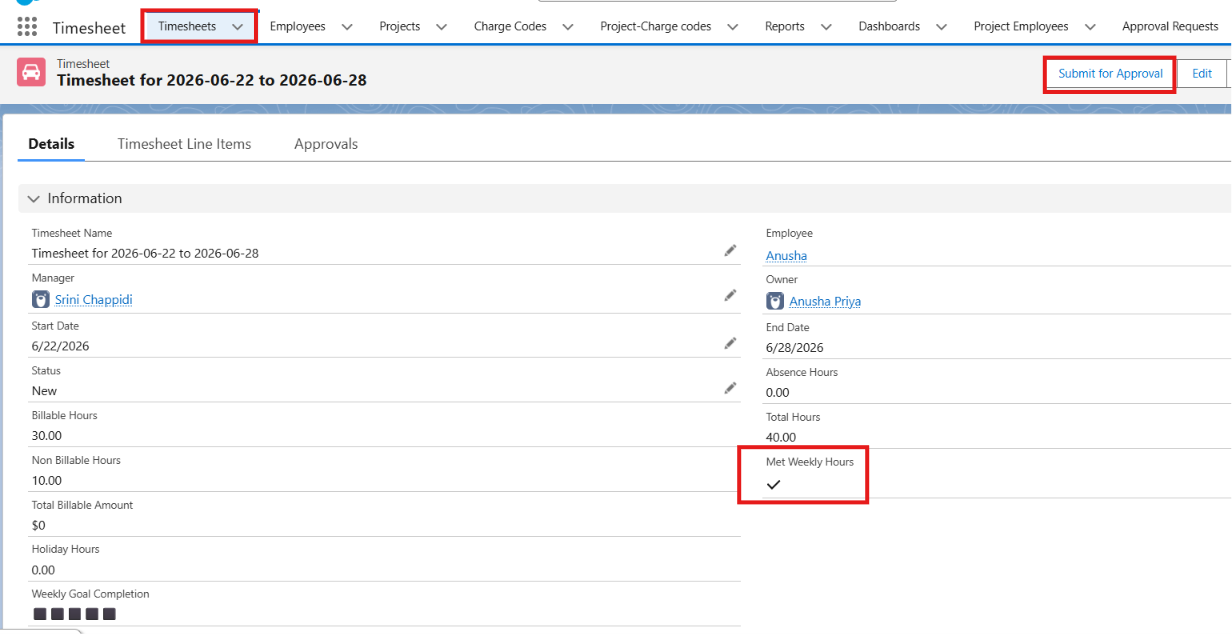
- Submit timesheets for Manager approval at end of week
- Timesheets lock automatically once submitted or approved
- HR Admin can unlock and edit timesheets in exceptional cases
- Managers can track and approve subordinate timesheets
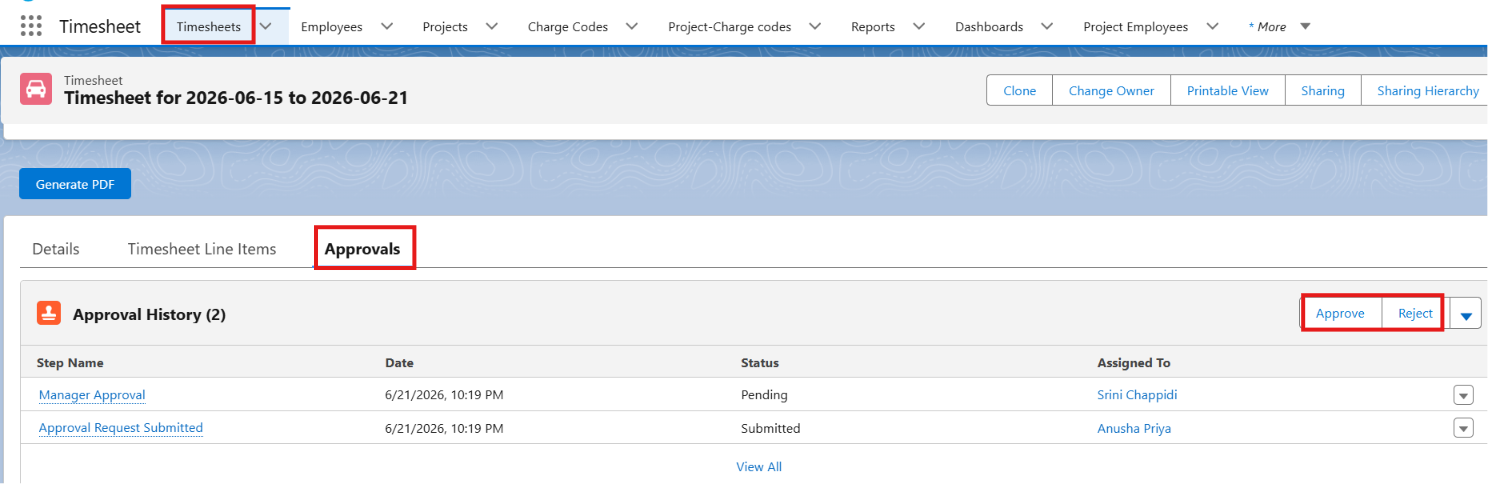
Employee Overview Dashboard
- Contribution heat map showing daily activity across the year
- Weekly bar chart with target hours, worked hours, and absences
- Overall time donut chart by Day / Week / Month / Year
- Manager view to see data for own team members
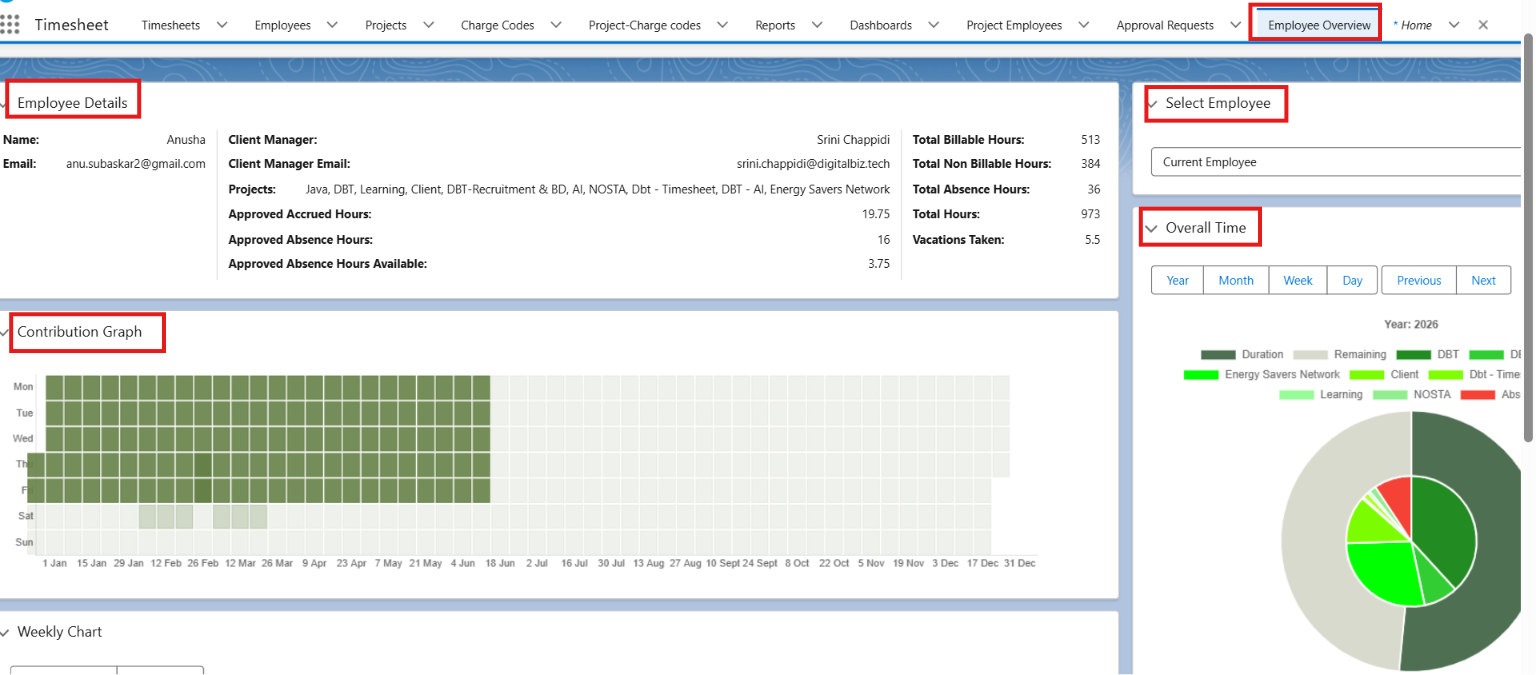
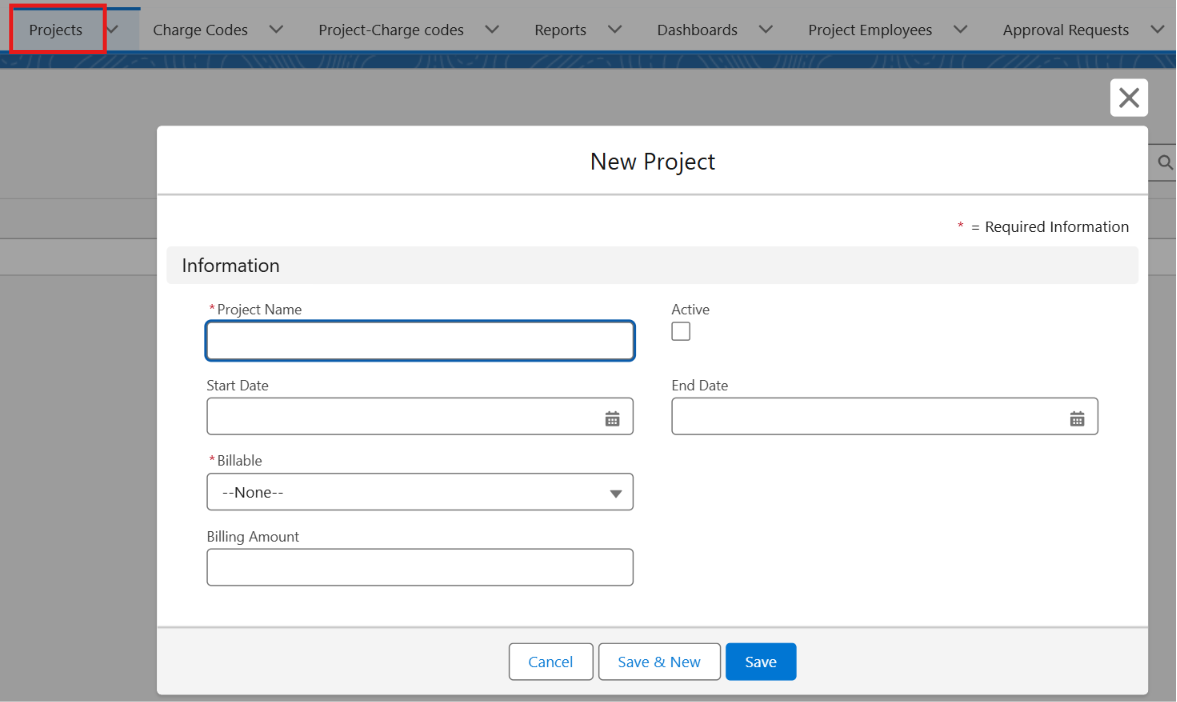
Project & Billing Management
- Track Billable and Non-Billable projects separately
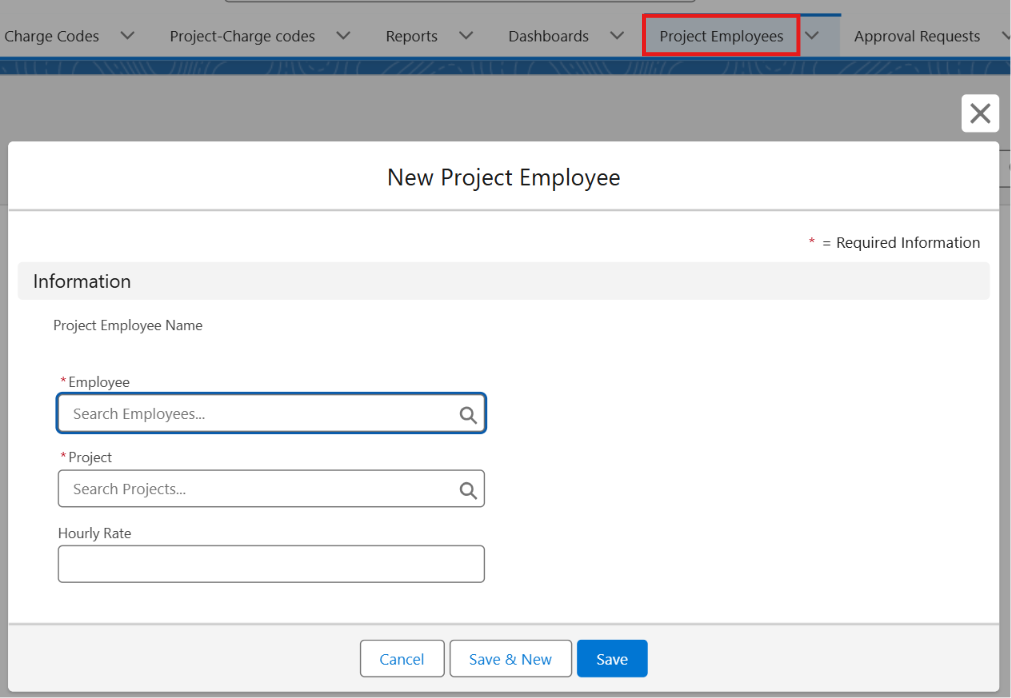
- Assign employees to projects with hourly billing rates
- Auto-calculate Billable Amount from hours worked
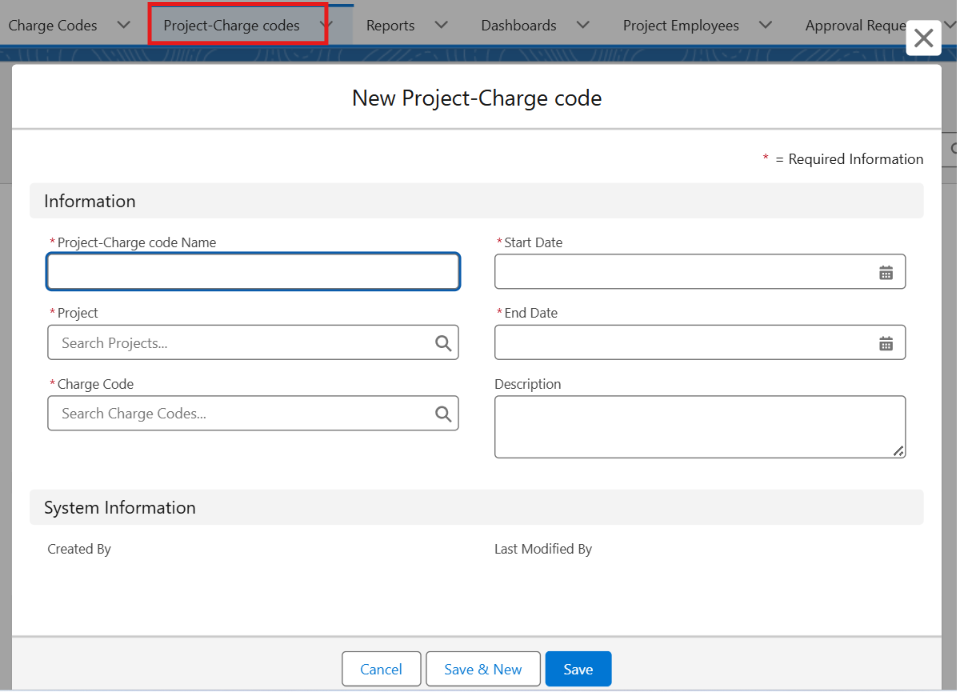
- Charge Codes and Project Charge Codes for accurate billing
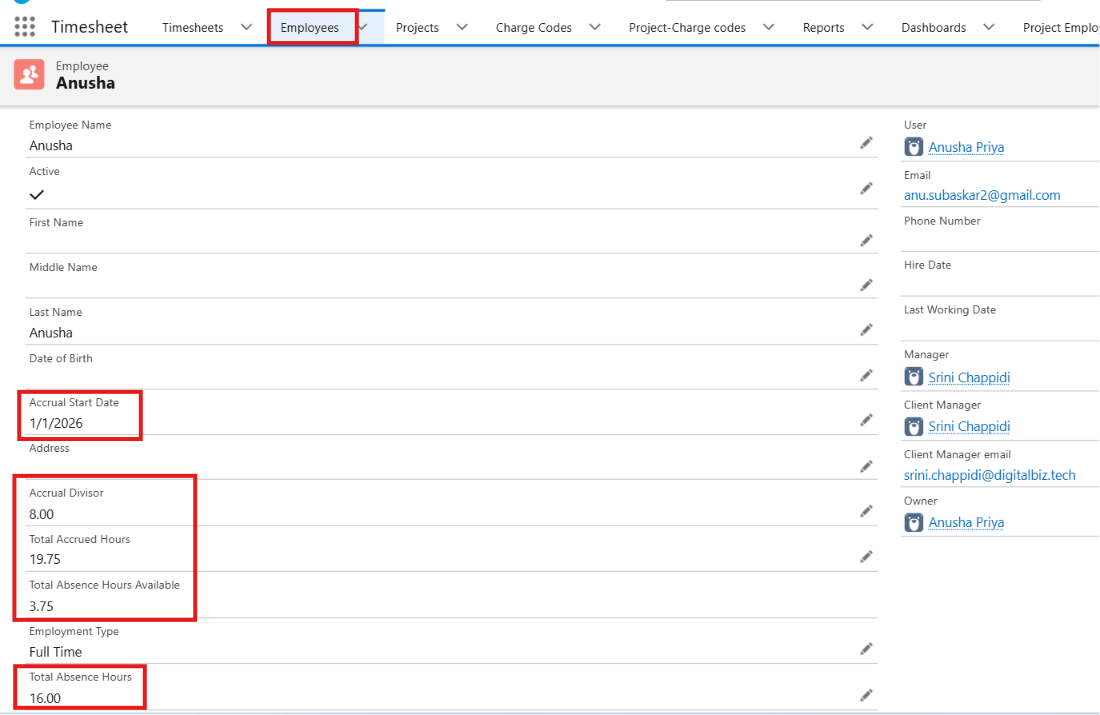
Absence & PTO Accrual
- Vacation, sick leave, and holiday absence tracking
- Absence hour limits enforced per day (max 8 hours)
- Automated alerts when employees exceed allotted absence
- PTO Accrual calculation based on Accrual Start Date and Accrual Divisor
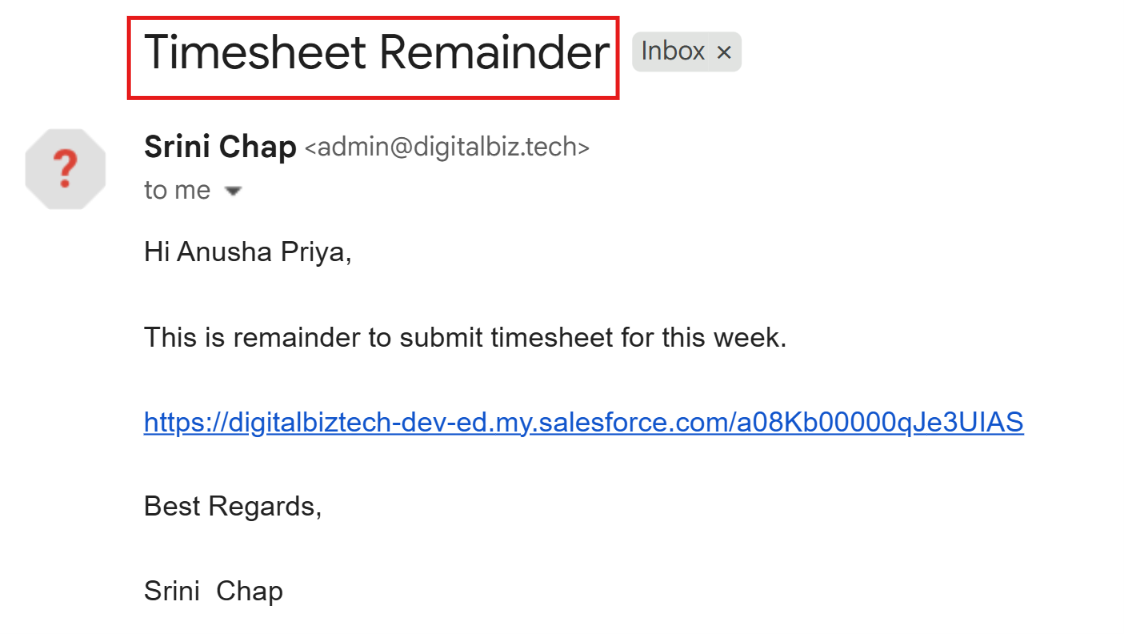
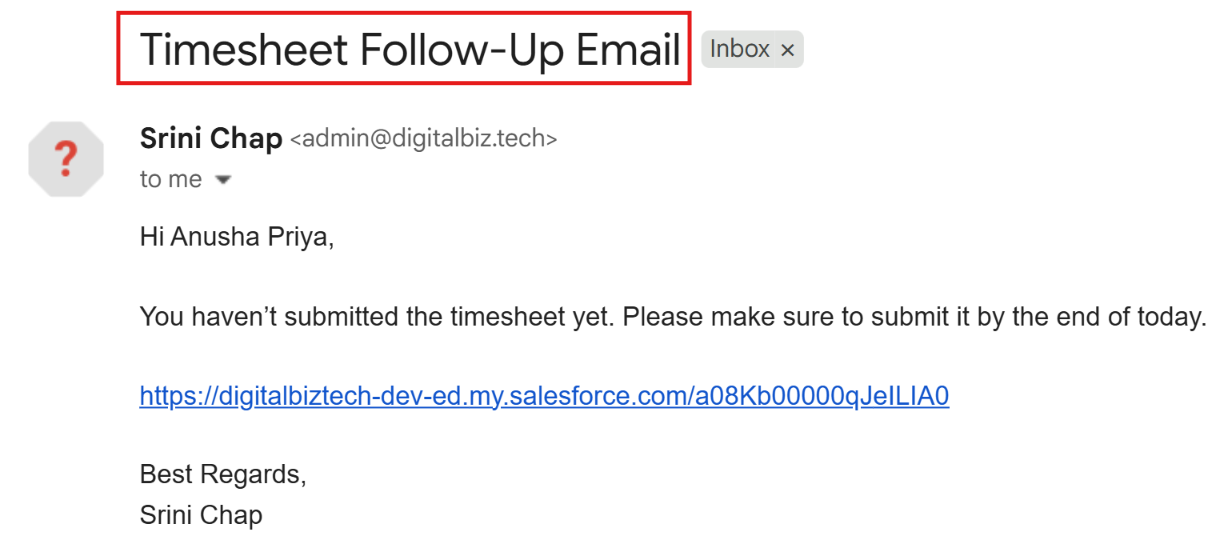
Automated Reminders & Notifications
- Friday reminder emails to employees who haven't submitted
- In-App Guidance prompts for timesheet submission
- Sunday follow-up emails for overdue timesheets
- Absence overage alerts sent to employee and manager
Role-Based Permissions
| Role | Access |
|---|---|
| Timesheet User | Enter and submit own timesheets |
| Timesheet Manager | Approve team timesheets, view subordinate data |
| HR Admin | Full access to all objects, flows, and configurations |
Desktop and Mobile Enabled
- Full Lightning Experience on desktop
- Mobile capture and editing via Salesforce app
- Supports switching from Classic to Lightning on mobile
Product Comparisons
Simple Timesheet vs Projectivity: Free vs Paid PSA
Evaluating Salesforce time tracking options? Read our in-depth comparison of Simple Timesheet (a free, employee-centric timesheet solution) versus Projectivity (a paid Professional Services Automation platform) to help you decide which tool fits your organization's needs.
Simple Timesheet vs PK4 Time Tracker: Free vs Paid Workforce Management
Comparing timesheet apps inside Salesforce? Read our review of Simple Timesheet (a completely free employee time tracking solution) versus PK4 Time Tracker (a paid, full workforce and project management platform).